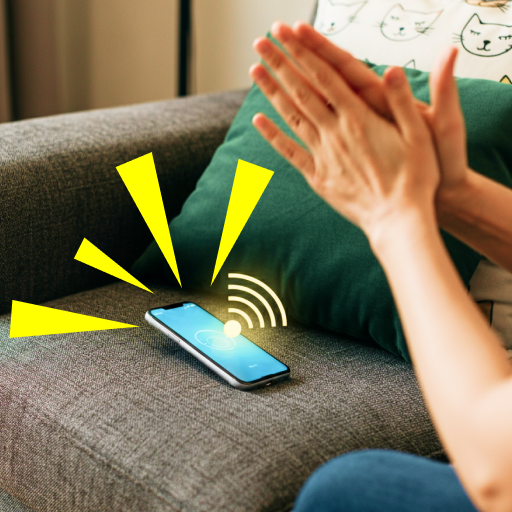
Clap to Find My Phone: Whistle
By Firehawk·Free·Apps
Use claps or a whistle to help locate your Android phone with sound, flashlight, and vibration alerts.
- Category
- Apps
- Offered by
- Firehawk
- Requires Android
- Android 9+
- Updated
- 2026-09-04
Screenshots
1 / 12
Versions
- Download3.2.2.12026-09-04
Overview
Clap to Find My Phone: Whistle by Firehawk is an Android personalization app available on Google Play. This app is designed to help you locate a nearby phone by using sound cues such as clapping or whistling, triggering alerts like sound and flashlight.
Key features
- Find your phone by clapping or by whistling
- Sound and flashlight alerts to improve visibility
- Vibration support for locating your device by feel
- Dark mode and light mode for easier use
Who it is for
- Anyone who frequently misplaces their phone at home or in the office
- Users who prefer a hands-free way to trigger alerts using claps or whistles
- People who want multiple alert types, not only sound
Safety and practical note
- This is Google Play information content, not a cracked APK host.
- For best results, use the app in a quiet environment and keep your phone within audible or visible range.
Install guide
Install from Google Play (official):
- Open the app page on Google Play: https://play.google.com/store/apps/details?id=com.clap.tofind.phone.finder.whistle
- Tap Install.
- Accept the requested permissions when prompted.
- After installation, open the app and follow the in-app setup for clap and whistle detection.
FAQ
+What does Clap to Find My Phone: Whistle do?
It helps you locate your Android phone by triggering alerts using claps or a whistle, including sound and flashlight, plus vibration support.
+Does it work on Android 9 and above?
Yes. The app requires Android 9+.
+What alert types are available?
The app includes sound and flashlight alerts, and it also supports vibration for finding your device.
+Is APK installation from unofficial sites recommended?
No. This page is Android and Google Play information content. Install only from Google Play to stay safe.
Similar apps
View all
WhatsApp Messenger is a free Android messaging and calling app from WhatsApp LLC, built for simple, reliable, private communication.

Instagram is an Android social app on Google Play to share photos, stories, reels, and connect with friends and creators.

TikTok is an Android social app for personalized video discovery, LIVE, and creative sharing - available via Google Play.

Facebook is an Android social app by Meta Platforms for connecting, sharing, and discovering communities on Google Play.

Facebook Lite is a lightweight Android version from Meta that helps you stay connected with less data, including in low-network conditions.

Watch, subscribe, and explore videos on your Android device with the official YouTube app from Google LLC.

Telegram is a fast, secure Android messaging app from Telegram FZ-LLC, designed for speed, syncing, and privacy.

Spotify for Android lets you stream music and podcasts, build playlists, and explore new audio - download from Google Play.
Related guides
View allMake the most of Moodle on your phone - learn practical tips for faster navigation, smoother notifications, offline study, grade tracking, and better mobile-friendly study habits.
A practical, info-only guide for Resso 2022: learn safe usage habits, improve playback and discovery, and optimize your experience with settings, libraries, and playlists - without relying on shady shortcuts.
Learn the basics of getting FL Studio on Android, what "mod" usually means, how to stay safe while downloading, and how to start making beats with simple steps - no technical jargon.
In 2026, players pick Bend because it fits busy schedules, targets real mobility goals, and makes stretching feel doable with guided routines. Here's a practical guide to what to expect, who it's for, and how to get results fast on Android.