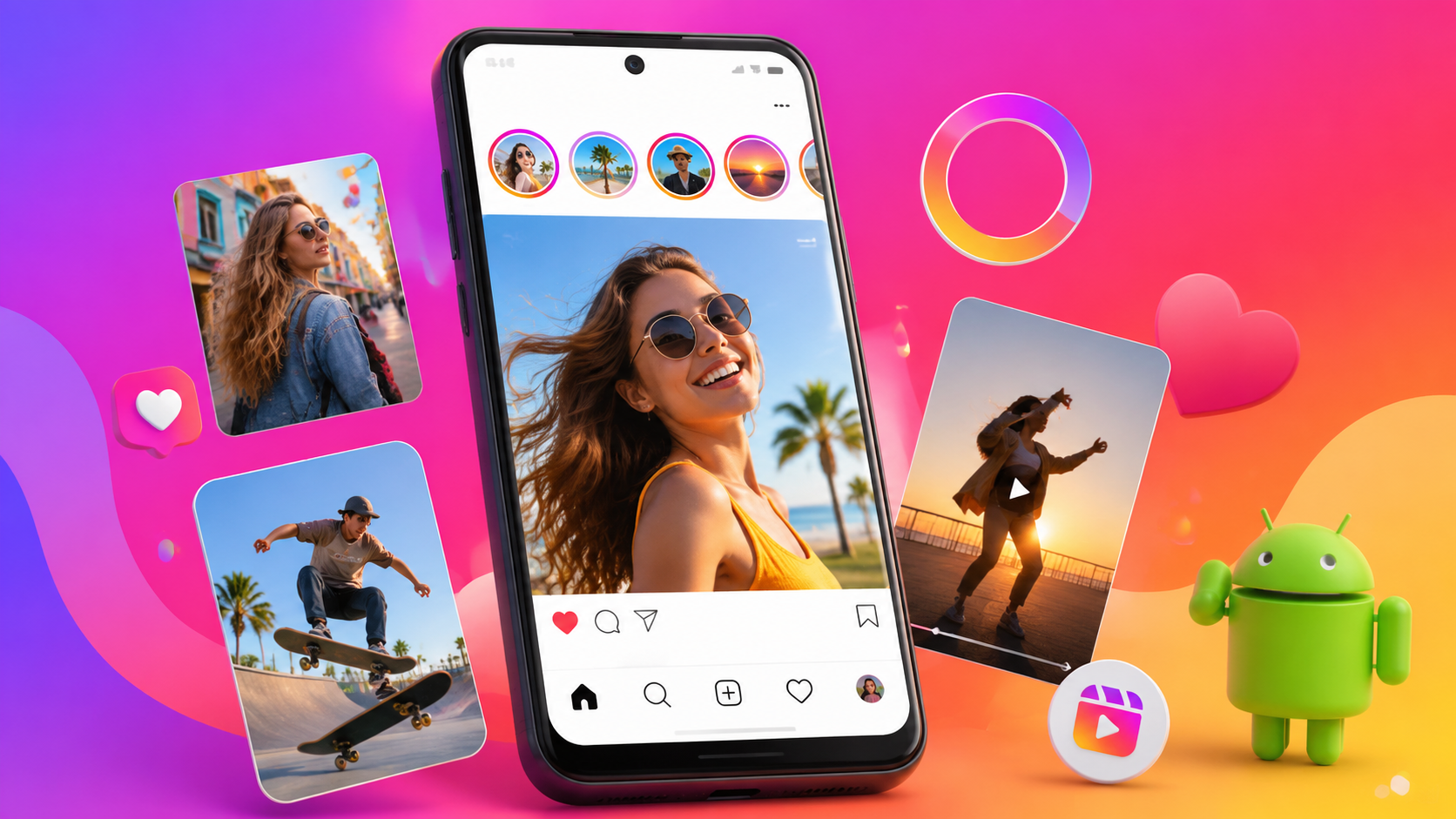
Instagram for Android Tips & Tricks: Photos, Stories & Reels (Guide)
Learn practical Instagram tips to level up your photos, Stories, and Reels on Android - safely from Google Play.

1) Make Your Photos Stand Out (Fast Editing on Android)
Start with quick improvements before posting: tap through Instagram's editing tools to adjust brightness, contrast, and saturation for a cleaner look. Use consistent filters for a recognizable style, and consider cropping to strengthen the subject.
- Crop for composition: keep the main subject centered or rule-of-thirds.
- Light tweaks first: raise exposure slightly, then fine-tune contrast.
- Choose filters intentionally - avoid stacking too many effects.
2) Stories That Keep People Watching
Stories are all about pacing and clarity. Use short sequences, readable text, and interactive elements to encourage taps and replies. If you want more reach, post when your audience is most active and keep your story length tight.
- Use high-contrast text for readability over backgrounds.
- Add polls/questions to spark responses.
- Pin or highlight key moments by using story organization features.
3) Reels Editing Tricks for Better Retention
Reels reward strong hooks. Start with the most interesting frame in the first second, then cut quickly to maintain momentum. Add captions for viewers who watch without sound, and use trending audio carefully - only when it matches your vibe.
- Hook first: show the payoff early, then explain.
- Use captions to boost accessibility and watch time.
- Trim dead space - shorter, tighter edits usually perform better.
4) Privacy & Safety Settings (Use Instagram Safely)
Before going big on Stories and Reels, review your privacy controls. Limit who can interact with you, manage mentions, and control story visibility. For a safe experience, install Instagram from the official source on Google Play (developer: Instagram) and keep the app updated.
- Check Story and Post visibility (Public/Close Friends).
- Manage comments and mentions to reduce unwanted interactions.
- Turn on app updates for security and stability.
5) Grow Engagement Without Spamming
Consistency matters more than volume. Engage with your niche by replying to comments, using thoughtful captions, and saving ideas for later. When you post, interact shortly after publishing - your early responses can help momentum.
- Reply quickly to comments/questions to keep conversations alive.
- Use hashtags and keywords relevant to your content (not random tags).
- Save drafts and plan themes to stay consistent.
More guides
View allMake the most of Moodle on your phone - learn practical tips for faster navigation, smoother notifications, offline study, grade tracking, and better mobile-friendly study habits.
Learn what the Loklok Download Mod typically offers, how to download safely, and practical beginner tips to protect your device and account. Includes quick checks, setup steps, and common mistakes to avoid.
Learn the basics of getting FL Studio on Android, what "mod" usually means, how to stay safe while downloading, and how to start making beats with simple steps - no technical jargon.
In 2026, players pick Bend because it fits busy schedules, targets real mobility goals, and makes stretching feel doable with guided routines. Here's a practical guide to what to expect, who it's for, and how to get results fast on Android.