
Minecraft: Dream it, Build it! -Tips & Tricks (Android)
Level up faster with practical building, survival, and resource tips for Minecraft on Android.
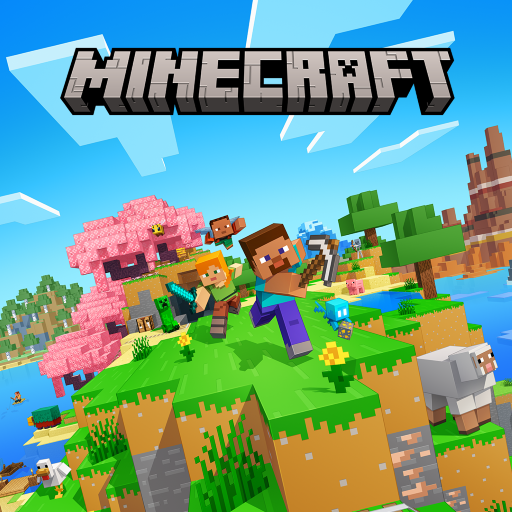
If you're playing Minecraft: Dream it, Build it! (Android) by Mojang, these Android-friendly tips will help you build smarter, survive longer, and waste less time gathering resources.
1) Start with a "Quick Base-Blueprint
- Build a simple shelter first: bed + storage + a torch line to light key paths.
- Use a compact layout so you can reach crafting, furnace, and chests without running around.
- Mark your base entrance with a landmark (tower, banner, or a block pattern).
2) Resource Farming That Actually Saves Time
- Mine with a plan: collect wood early, then focus on coal/iron before going deeper.
- Create a "loop route-for mining - return to your base periodically to smelt and store.
- For food, prioritize renewable sources (animals or simple farm setups) to reduce downtime.
3) Safer Mining: Light, Space, and Escape Routes
- Always place torches as you go - dark tunnels lead to surprise mobs.
- Dig with space: wider branches help you spot ore and reduce getting trapped.
- Keep a clear escape path (don't block your way back with blocks).
4) Build Better: Texture, Symmetry, and "Layers-/h2>- Use layers (foundation + walls + roof) so your builds look intentional, not flat.
- Try simple symmetry: even if you don't copy a blueprint, mirrored shapes look cleaner.
- Mix blocks in small sets (2- materials) to avoid random-looking houses.
5) Android Controls & Quality-of-Life Tips
- Practice quick tool switching - keep your most-used items in easy reach.
- Use your HUD efficiently: check your hotbar before fights or building sessions.
- If you're exploring, bring essentials (torches, food, basic tools) to reduce interruptions.
6) Play Safely (Google Play)
- For the official version, use the Google Play listing and verify the developer (Mojang).
- Avoid unofficial downloads; stick to trusted sources to reduce security and performance risks.
- Keep the app updated for stability and compatibility improvements.
More guides
View allA practical beginner-to-advanced guide to Last Zombie - covering shooting tactics, resource management, aiming tips, loadout choices, and survival habits to help you progress faster.
Improve your speed and success rate in Pixel Flow! with practical one-tap puzzle strategies - learn how to read the board, plan moves, and avoid common mistakes.
Level up faster in Tanghulu Master - use smart ingredient planning, perfect timing for the syrup, efficient workstation habits, and better scoring strategies for smoother ASMR gameplay.
Learn practical tips to get better results with Remini, optimize downloads safely, and troubleshoot common issues when using a "Mod APK" version. (Play responsibly.)